
Babblio.io
Designing an AI-Powered Language Learning Mobile App
Babblio is an AI-driven mobile platform designed to help users improve their English speaking skills through real-time conversations, personalized lessons, and feedback. This project focuses on designing a mobile-first experience (Android & iOS) that makes language learning interactive, engaging, and accessible anytime, anywhere. The goal was to transform traditional learning into a continuous, conversation-based experience.

Problem Statement
- Passive learning (reading/listening without speaking)
- Lack of real-time feedback
- Low engagement over time
- One-size-fits-all learning paths
Project Goals
- Practice real-time English conversations
- Receive instant feedback on pronunciation and grammar
- Learn through personalized AI-driven lessons
- Stay consistent through engaging and simple experiences
My Role

UX Research

Product Thinking & Strategy

Wireframe

Design System

Interaction Design
Design Process

User Research & Competitive Analysis
Target Users
- Students preparing for exams or interviews
- Working professionals improving communication
- Beginners building confidence in speaking
Key Findings
- Users want to speak more, not just learn rules
- Fear of making mistakes reduces participation
- Mobile learning needs to be quick and flexible
Competitive Analysis
I analyzed:
- Language learning apps
- AI-based conversational tools
- Voice-based learning platforms
Observations
- Most apps focus heavily on reading/writing
- Speaking practice is limited or delayed
- Feedback is not always real-time
Opportunity
Design a conversation-first mobile experience powered by AI.

UI/UX Design Implementation
Visual Design
- Clean, modern interface
- Soft colors to reduce learning pressure
- Clear typography for readability
Interaction Design
- Real-time voice feedback
- Micro-interactions for encouragement
- Smooth transitions between learning modes
Accessibility
- Simple navigation for beginners
- Voice-based interaction reduces typing
- Clear feedback for better understanding

Usability Testing & Iteration
Testing Goals
- Ease of starting conversations
- Understanding feedback
- Engagement in daily learning
Key Findings
- Users loved AI conversations but needed guidance initially
- Feedback needed to be simpler and more visual
- Some users preferred shorter sessions
Iterations Made
- Added onboarding guidance for first-time users
- Simplified feedback into visual indicators
- Introduced shorter, bite-sized lessons
Solution Approach
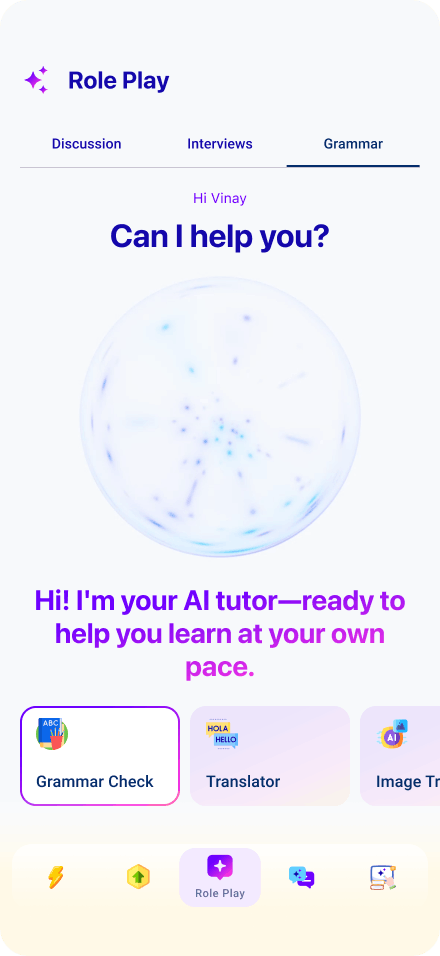
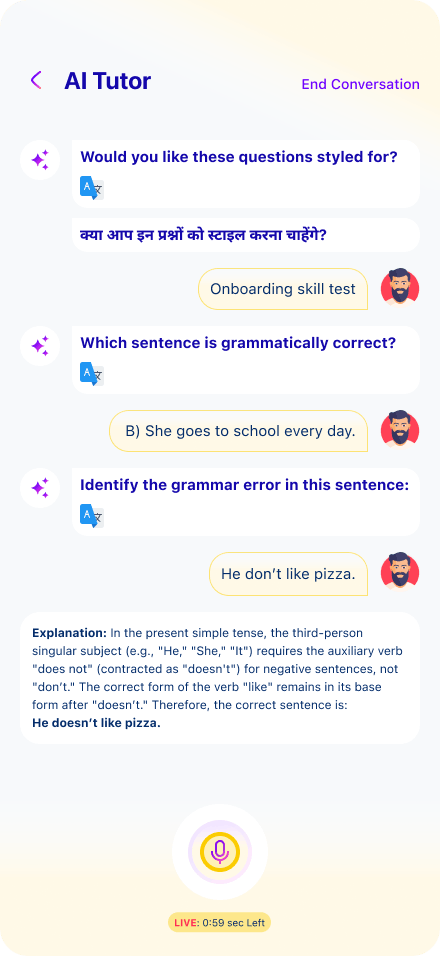
AI Conversation Practice
Users can interact with an AI tutor that:
- Listens to speech
- Responds naturally
- Provides real-time corrections
This creates a safe, judgment-free environment for practice.
Personalized Learning Journey
The app adapts to each user by:
- Tracking performance
- Suggesting lessons
- Adjusting difficulty levels
Every user gets a custom learning path.
Real-Time Feedback System
Users receive instant insights on:
- Pronunciation
- Grammar
- Fluency
This helps users improve continuously during conversations.
Multi-Mode Learning (Mobile-Optimized)
The app combines:
- AI lessons
- Live tutor sessions
- Group discussions
- 1-to-1 conversations
This creates a holistic learning ecosystem.
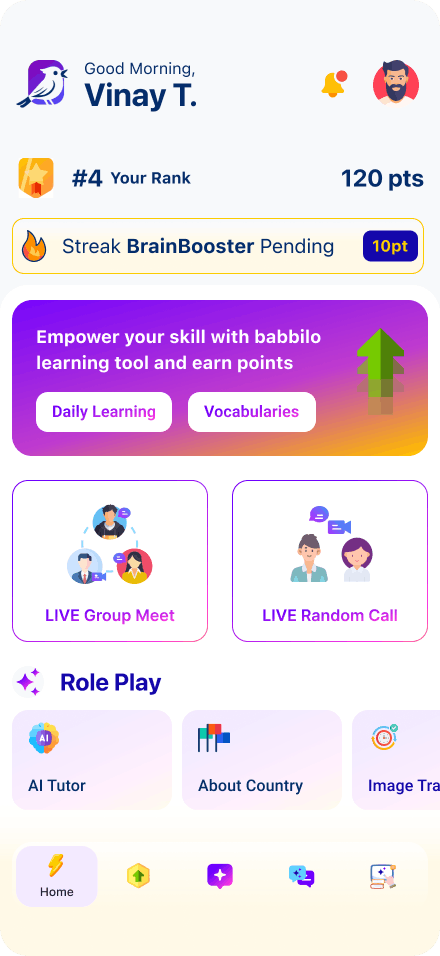
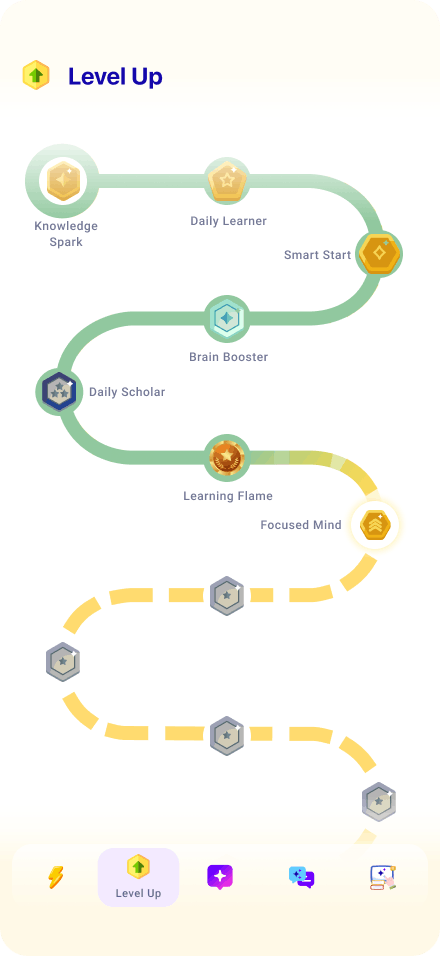
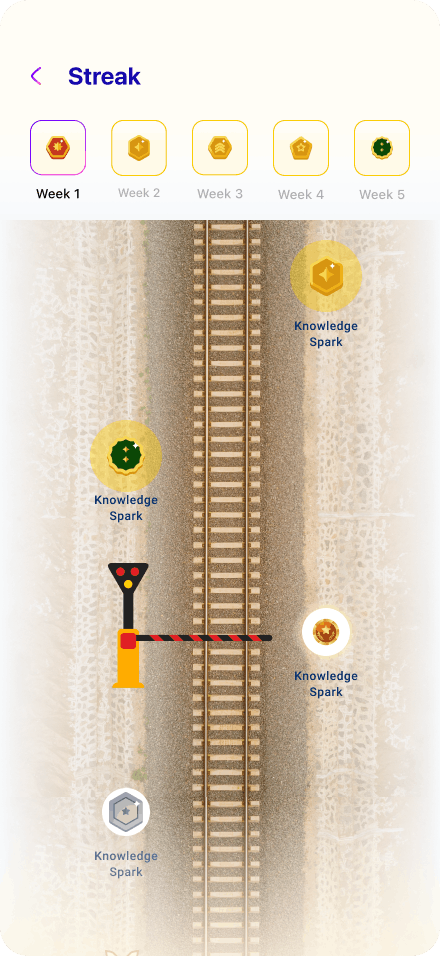
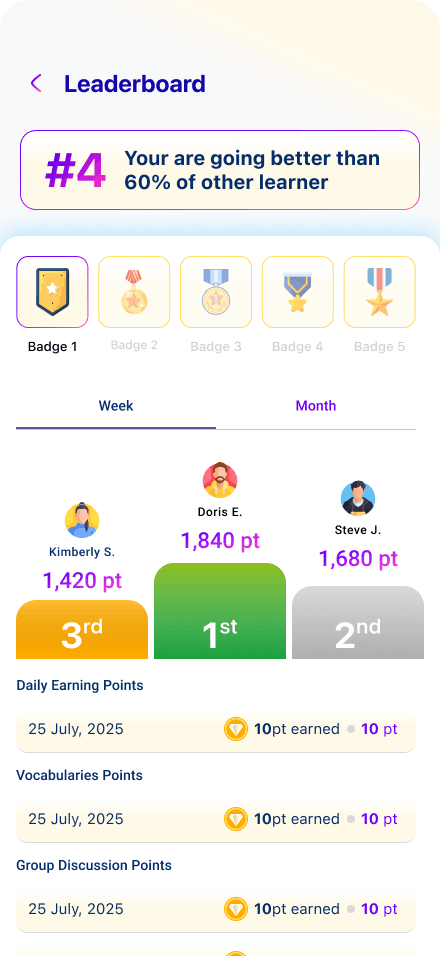
Progress Tracking Dashboard
Users can track:
- Daily streaks
- Speaking performance
- Skill improvements
This keeps users motivated and engaged.
Mobile UX Design (Android & iOS)
Design Strategy
Focused on mobile-first usability:
- Short interaction cycles
- Voice-first experience
- Minimal typing
Design Considerations
The app adapts to each user by:
- Flexible layouts for multiple screen sizes
- Clean navigation using tab bars
- Gesture-based interactions
- Native UI patterns for familiarity
Design Principles
- Speak First – Prioritize voice interaction
- Reduce Friction – Minimal steps to start practice
- Encourage Confidence – Friendly, supportive UI
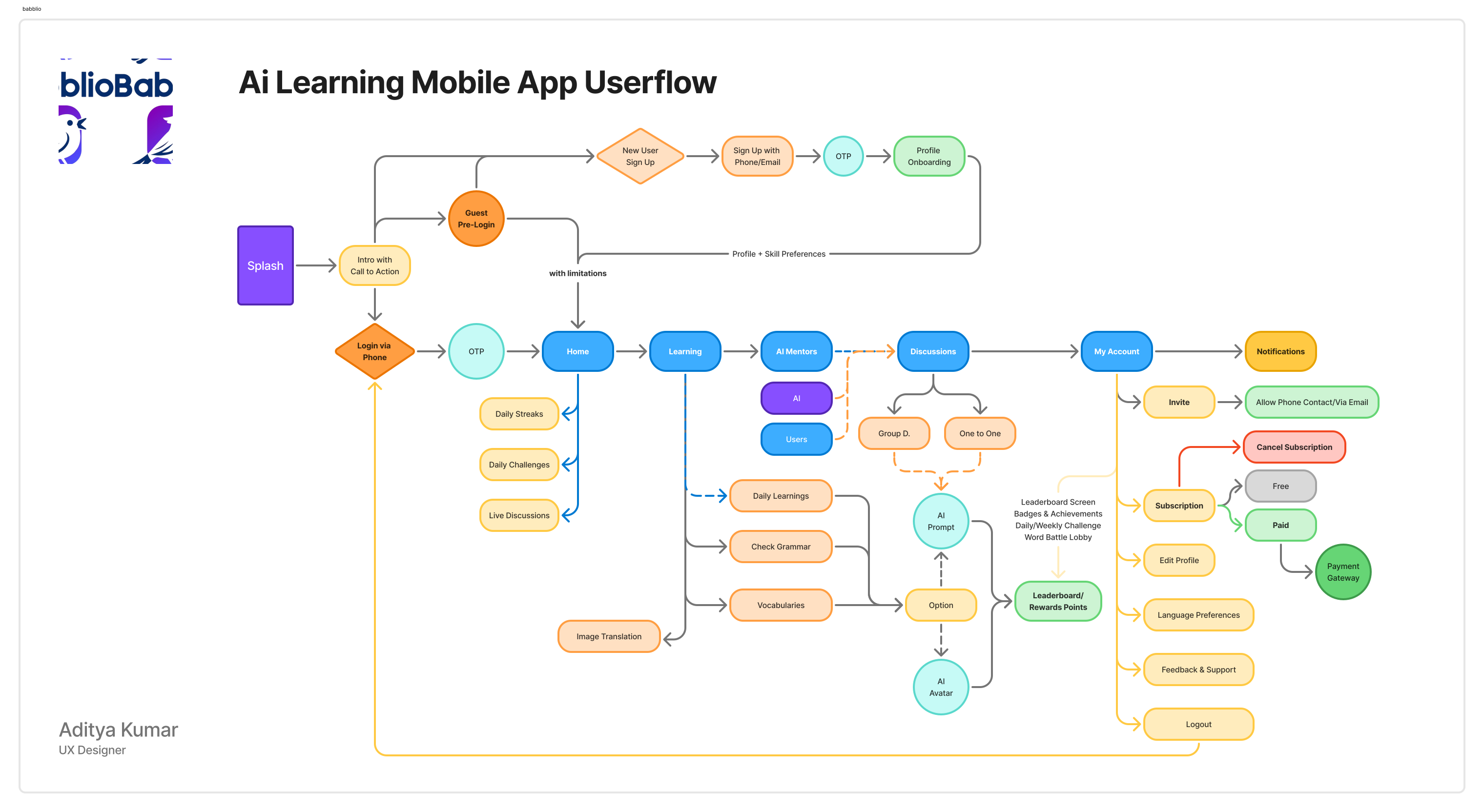
Onboarding
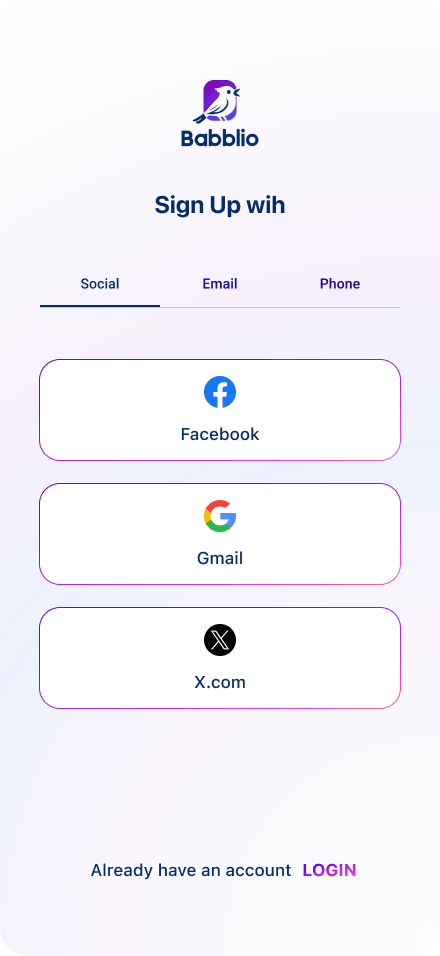
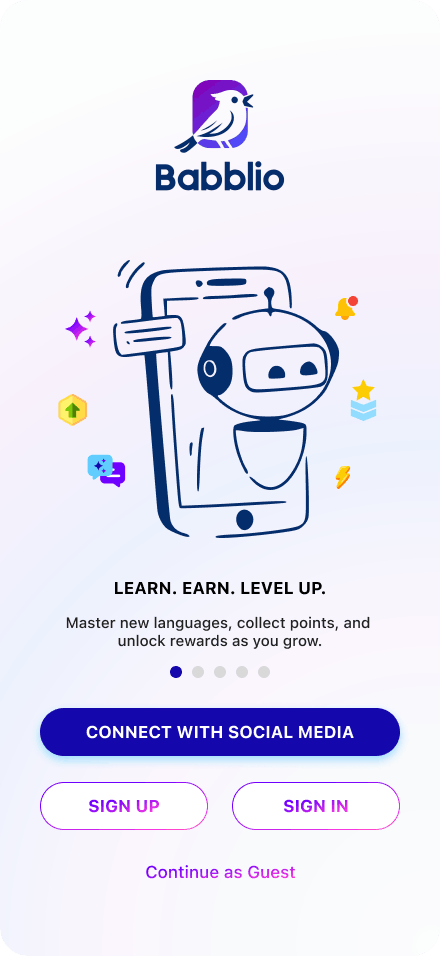
- Goal selection (career, travel, fluency)
- Skill level detection
- Personalized setup
Speaking Practice Flow
- Tap to start conversation
- Real-time AI interaction
- Instant feedback overlay
Daily Learning Flow
- Quick lessons (5–10 mins)
- Vocabulary + speaking tasks
- Progress update
Dashboard
- Visual progress
- Streak tracking
- Recommendations


Key Features
- Real-time feedback accelerates learning
- Mobile-first design improves consistency
- Simplicity is critical for long-term engagement
Results & Impact
The final design delivered:
- Increased speaking practice frequency
- Improved user confidence
- Higher engagement through daily usage
- Better learning outcomes through real-time feedback
Conclusion
This project demonstrates how AI can transform language learning by shifting from passive consumption to active participation. By focusing on mobile-first design and real-time interaction, the platform creates a more natural and effective learning experience.Learning a language isn’t about memorizing rules— it’s about building the confidence to speak.